The Top 10 CAD/CAM Software for Sheet Metal and Tube Fabrication (2026)
I compare the ten CAD/CAM systems worth your time in 2026 for sheet metal and tube work. The guide covers what each one programs, the vendor versus independent decision, and the ownership questions to ask before you sign. Your machinery and mix decide what fits.

Are you buying a new machine? Or trying to make the machines you already have work as one factory?
Either way, the software question matters as much as the iron. A laser, a press brake, or a tube cutter does very little without its programming software, and the choice you make there decides how your machines talk to each other, and to the rest of your business, for the next ten years.
So, which CAD/CAM software fits your shop?
This guide gives you the ten systems worth your evaluation time in 2026, what each one actually covers, the one decision that shapes everything (machine-vendor or machine-independent), and answers to the questions I get most.
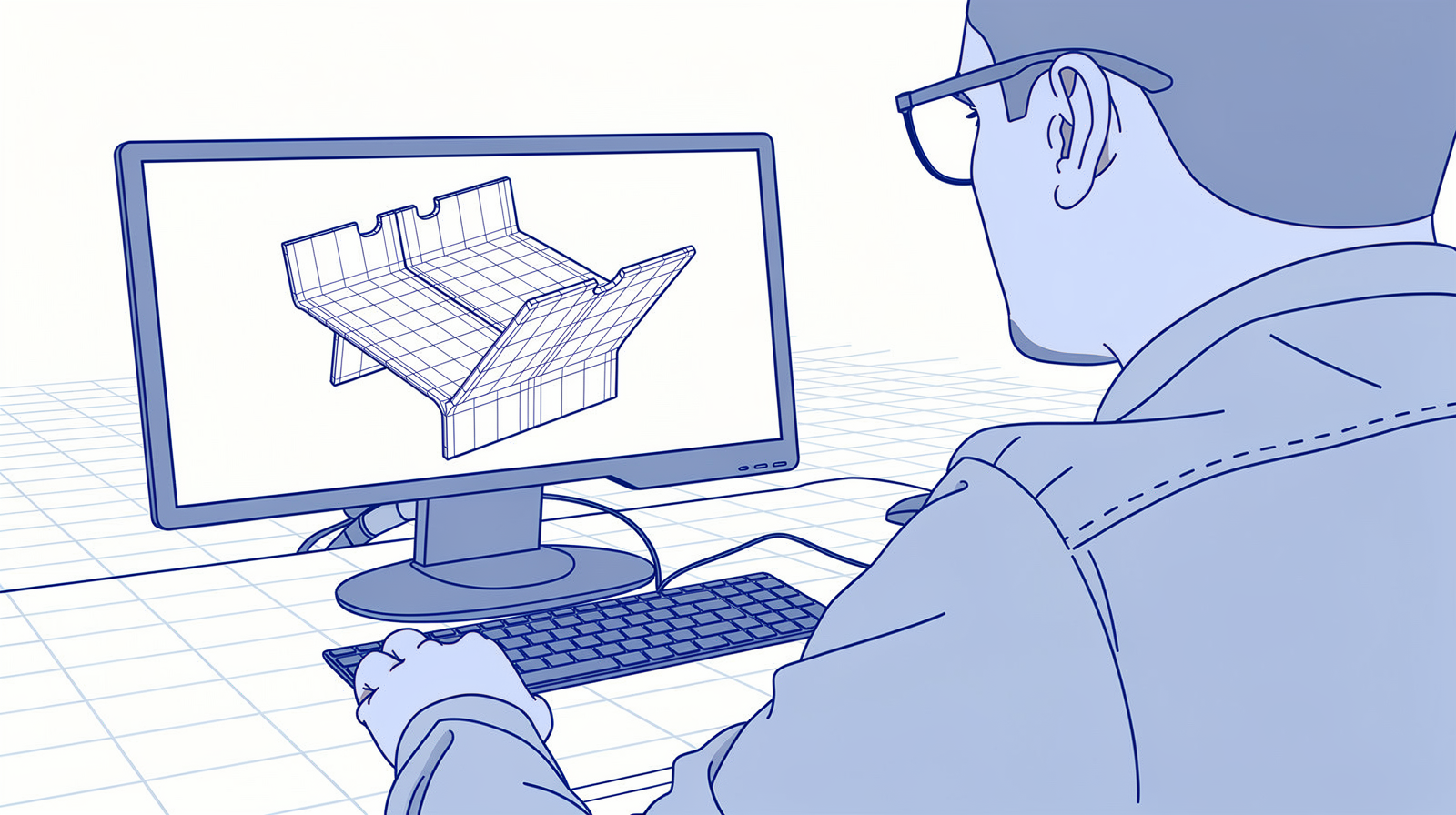
What is CAD/CAM software in sheet metal fabrication?
CAD/CAM stands for Computer-Aided Design and Computer-Aided Manufacturing. It is the software that turns a digital part into instructions your machines can run.
The flow is always the same. A designer models the part in CAD, in 2D or 3D. The CAM software reads that geometry, unfolds it, places it on a sheet or tube together with other parts (the nesting), and works out the toolpaths. That becomes CNC code, the machine-readable program that steers every cut, punch, and bend.
Every CNC-controlled machine in your shop needs this chain. And that is exactly why the software decision arrives together with the machine decision, whether you noticed it at the time or not.
Why CAD is not CAM in sheet metal
Some CAD packages offer CAM add-ons, and for milling that can work well. In sheet metal it usually does not, and the reason is physical.
To unfold a part correctly you need the bend deductions, and those change with the machine, the tooling, and the V-die. To nest efficiently you need the machine's technology tables: laser power, feed rates, piercing strategies. A generic CAD add-on has none of that. It can unfold a model for a drawing, and it cannot prepare a program your press brake will actually run.
There is one asterisk on that old rule in 2026: Fusion's Manufacturing Extension does real laser and plasma nesting now. It still does no punch or bend programming, so for a production shop the rule holds. Machine-ready programming needs machine-specific software.
The three jobs: sheet cutting, tube cutting, and offline bending
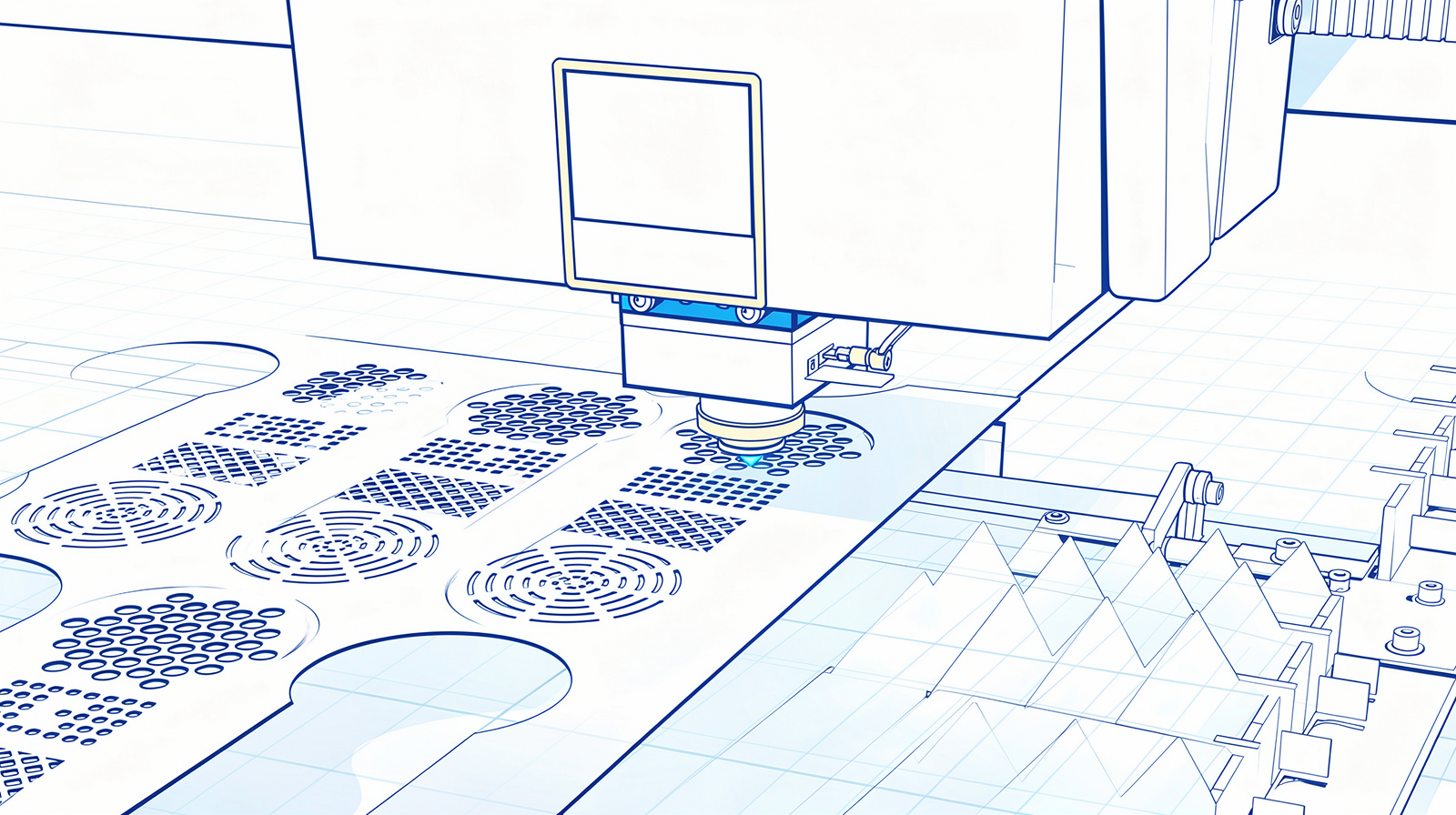
This guide zones in on the three operations that dominate custom fabrication:
- 2D sheet cutting and punching. The software builds nesting plans, applies the machine's technology tables, avoids collisions, and increasingly also instructs the loading and unloading automation around the machine.
- 3D tube cutting. The same idea, and the nesting runs along the length of the tube. Bevel cuts, where the head moves in three axes, ask more of the programming. Think of a tube as a thin sheet that decided to go round instead of flat.
- Offline bending. Programming the press brake at a workstation while the machine keeps producing, instead of at the control. The "offline" has nothing to do with your internet connection. Bend deductions change with the tooling, so this is where machine-specific data matters most.
Your shop does more than this, of course. Welding, tube bending, surface treatment. But these three are where CAD/CAM lives, and most vendors sell them as a suite, because juggling a separate system per technology gets heavy to maintain.
Machine-vendor or machine-independent: the decision that shapes everything
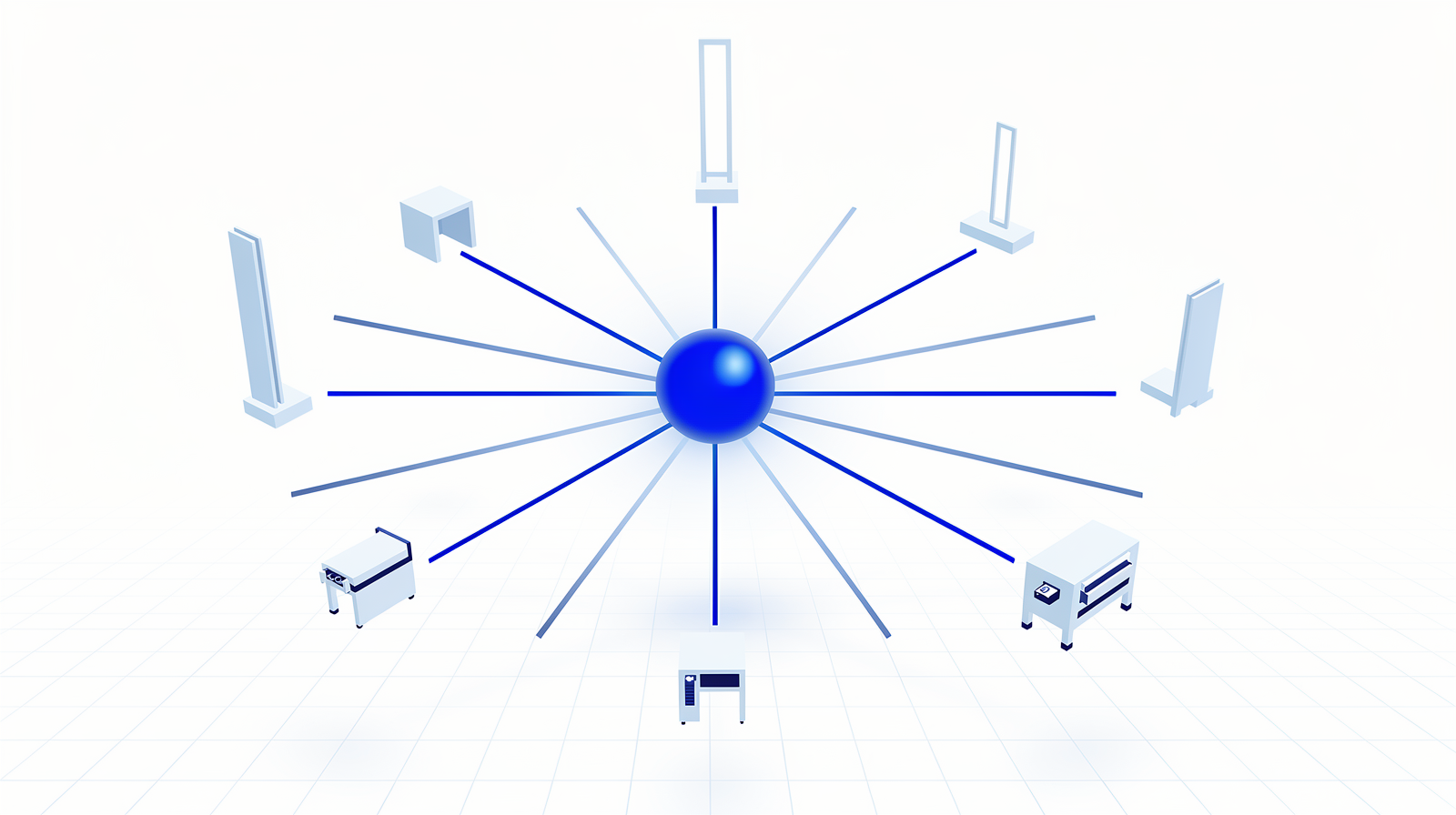
The market splits into two camps, and this split matters more than any feature list.
The machine-vendor camp (TRUMPF, Bystronic, LVD) writes software for its own machines. Nobody knows the machine deeper, the integration between software and iron is the tightest you can get, and there is one company to call. The trade: your programming is tied to that brand, and machine number two from another builder brings a second software world with it.
The machine-independent camp (WiCAM, Almacam, Libellula, Lantek, SigmaNEST, RADAN) programs machines from many builders through postprocessors. One system, one part library, one way of working across a mixed floor.
Here is what actually changed in this market: no machine builder opened its CAM to other brands. What opened is the layer above it, the production control. Bystronic's MES officially takes third-party machines now, and LVD's CADMAN-JOB does the same. The programming stays closed, the orchestration is opening up. That is the same pattern I describe as route 3 in my MES guide.
Whichever camp you pick, ask the ownership questions before you sign:
- What can I extract? Your part library, nesting results, bend programs, and technology tables represent years of work. Check what leaves the system in a usable format.
- What can I write back? An API that accepts orders and returns statuses is what makes the CAM a citizen of your factory instead of an island.
- What does leaving take? If the answer is "re-programming everything", you want to know that on day one, not in year eight.
Can CAD/CAM run in the cloud?
Partly, and the edges are moving first. Unfolding and calculation run in the browser now (WiCAM's PNCloud), nesting has free web apps (Alma's Nest & Cut), quoting has cloud platforms (Lantek 360 with iQuoting), and TRUMPF sells Praxis as a subscription platform. LVD says plainly there is no cloud CADMAN.
The production programming itself, the part that feeds your machines every hour, still runs on workstations next to the floor. I come back to the buying advice in the questions at the end.
The top 10 CAD/CAM software for sheet metal and tube fabrication in 2026
The order below is how I present them, the machine-vendor camp first, then the independents. It is not a ranking. Your machinery, your mix, and your integration needs decide what fits.
| # | Software | Machines | Covers |
|---|---|---|---|
| 1 | TruTops Boost | TRUMPF only | Flat cutting, punching, bending |
| 2 | BySoft Suite | Bystronic (MES open) | Cutting, bending, tube, MES |
| 3 | CADMAN | LVD (MES open) | Cutting, punching, bending, MES |
| 4 | WiCAM | Independent | Cutting, nesting, multi-brand bending, cloud tools |
| 5 | Almacam | Independent | Cutting, punching, bending, tube, robots |
| 6 | Libellula | Independent | Cutting, punching, bending, tube |
| 7 | Lantek | Independent (TRUMPF-owned) | Cutting, tube, MES, cloud |
| 8 | SigmaNEST | Independent | Nesting, tube, bending |
| 9 | RADAN | Independent | Design, nesting, bending |
| 10 | TRUMPF Praxis | TRUMPF cutting, multi-brand bend tooling | Subscription CAM platform |
1. TRUMPF TruTops Boost
TRUMPF machines only Flat parts + bending Modular licensing
TruTops Boost is TRUMPF's programming software for its own lasers, punching machines, and press brakes, in its current release. It handles flat programming and bend programming in one environment: import the model, unfold, nest, and generate the machine code, with the bending program made at the same desk. Licensing is modular, so you build the package from function blocks.
Two things to know before you plan around it. Tube is a separate product, Programming Tube, with its own workflow. And there is no AI inside Boost, the automation is rule-based. Production control sits in Oseon, the software formerly called TruTops Fab.
2. Bystronic BySoft Suite
Bystronic machines Six product families MES open to other brands
BySoft is Bystronic's software suite from Switzerland, organized in six families: Insight for analytics, Business for quoting and order handling, Shop Floor as the MES, CAD, CAM including tube, and Cell Control for the automation cells. The CAM programs Bystronic cutting, bending, and tube machines.
The part that changed recently sits above the CAM. Kurago, the software company behind the suite, was rebranded to Bystronic Software in June 2025, and the MES layer is now officially open to third-party machines. So the programming stays Bystronic, and the production control can span a mixed floor.
3. LVD CADMAN
LVD machines CADMAN-FLOW Runs production without ERP
CADMAN is the software suite of LVD, from Belgium, now presented as CADMAN-FLOW: one flow around the newest CADMAN-B for bending, CADMAN-L for laser cutting, CADMAN-P for punching, the Smart Drawing Importer (SDI) for reading customer files, and CADMAN-JOB as the MES in the middle.
The suite can run production on its own, without an ERP behind it. For a smaller LVD shop that makes it a serious backbone, and it fits the pattern from number 2: the CAM programs LVD machines only, while CADMAN-JOB accepts machines from other builders. There is no cloud version and no AI in the suite.
4. WiCAM
Machine-independent Multi-brand bend simulation PNCloud browser tools
WiCAM is an independent German software house, owned by Te Invest and the WiCAM Foundation since 2022, and manufacturer-neutral by design. PN4000 is the CAM and nesting core, PNBend simulates and programs press brakes across brands, and the new PNCloud brings unfolding and calculation to the browser, with a REST API you can build your own tools on.
You have probably used WiCAM without knowing it: its geometry engine runs inside other vendors' products as an OEM component. That says something about the depth of the unfolding technology underneath.
5. Almacam
Machine-independent Employee-owned Robot programming
Almacam comes from Alma, a French company owned by its employees. The product is one unified platform now, Almacam 4.x, and the old almaCAM act and cut naming is gone. It covers 2D cutting, punching, and bending, 3D tube and 5-axis cutting, and since March 2026 offline programming for robots. There is also Nest & Cut, a free web app for nesting.
If your floor mixes brands and includes robots, Almacam is one of the few that programs all of it from one platform. That reach is its signature.
6. Libellula
Machine-independent Smaller Italian team Cutting to bending
Libellula is an Italian CAD/CAM house, founder-led and run by a smaller Italian team. The suite covers the chain from drawing to machine: CUT programs all cutting technologies (laser, plasma, oxycutting, waterjet), WIZARD handles design and unfolding, and PUNCH, TUBE, and BEND cover the rest, with production modules around them.
For shops running machine brands that come without a big software suite of their own, this is one of the classic answers.
7. Lantek
Machine-independent TRUMPF-owned, run neutral KAI AI assistant
Lantek, from Spain, is the biggest name in the independent camp, with a twist: TRUMPF owns it since 2021, and it is run machine-neutral, programming machines from most builders. Lantek Expert is the 2D CAM and nesting system, Flex3d handles tube and profiles, and around them sit Lantek's own MES and the Integra business layer.
Lantek also shipped the first AI assistant in this list: KAI, an AI assistant inside the suite. The cloud side is the Lantek 360 platform, with iQuoting for quoting in the browser.
8. SigmaNEST
Machine-independent Copilot AI assistant SigmaTUBE inside SOLIDWORKS
SigmaNEST comes from SigmaTEK Systems in the United States, part of Sandvik. The current suite is the SigmaTEK 26 Suite, and the flagship product is still called SigmaNEST. The nesting engine programs lasers, plasma, waterjet, punches, and press brakes across brands. SigmaTUBE takes a route nobody else on this list takes: it runs inside SOLIDWORKS, so tube programming happens in the CAD your engineers may already use.
On AI: SigmaNEST ships Copilot, an in-product AI assistant, joined by SimTrans Copilot on the data side. Licensing comes in both perpetual and subscription form.
9. RADAN
Machine-independent Hexagon Designer front end
RADAN is one of the oldest names in sheet metal CAM, from the UK, and part of Hexagon. When Hexagon spun off part of its software portfolio into Octave in 2026, RADAN stayed with Hexagon, and radan.com is now only a redirect, so bookmark the Hexagon page instead.
Designer is the CAD front end, Radnest does the nesting, and Radbend, the offline bending module, is evolving into RADAN Bending inside Designer. Licensing comes in perpetual and subscription form.
10. TRUMPF Praxis
Subscription platform Multi-brand offline bending E-learning included
TRUMPF appears twice in this list, and that is the interesting part. Praxis is TRUMPF's subscription platform that merges MetaCAM and Flux, the products of its software house Metamation. Unlike Boost, it is multi-brand: Flux Bend programs offline bending with more than 50 press brake tooling catalogs, including Amada and Bystronic. The subscription includes e-learning and maintenance.
So the machine builder that keeps its main CAM closed also sells a machine-independent bending programmer. The camps are business models, and one company can run both.
Notable mentions
Optimate (TRUMPF subsidiary): puts AI upstream of CAM. It checks an uploaded part for feasibility, suggests redesigns that are easier to produce, and gives instant costing, all before anyone opens the CAM. There is an official demo video.
Scale NC: TRUMPF's on-demand NC programming service. You send the job, the programs come back, and your own people stay on the machines. It now serves TRUMPF machines only.
deepnest-next: the open-source nesting option, an actively maintained fork of Deepnest on GitHub. No machine tables and no postprocessors, so it nests contours rather than programs machines, and for that job it is worth a look.
Quotation Factory works the bridge between quoting and CAM: the part is analyzed once at quote time and the data flows on toward production. That bridge is its own topic, and my quoting guide covers it in full:
What AI changes in CAD/CAM
The AI that has actually shipped in this market comes in two shapes:
- Assistants inside the software. Lantek's KAI and SigmaNEST's Copilot answer questions and drive functions, so a newer operator gets productive faster and the veteran clicks less.
- Part optimization upstream. Optimate reads a part and tells you how to make it easier to produce, before it ever reaches the CAM.
What has not shipped: AI that generates your toolpaths or your nests. The nest still comes from deterministic algorithms, and the machine code still comes from postprocessors and technology tables. So when a brochure says AI, ask which of the two shapes it means.
The open-source gap in sheet metal CAD/CAM
I write a lot about open-source software for metal shops, so I owe you this section. On the CAD side, open source covers real ground. On the production CAM side, it does not: unfolding against real V-die data, technology tables, and postprocessors for your machines have no open-source answer today. deepnest-next nests contours, and that is where it ends.
This is the one category in the shop software stack where I cannot point you to an open alternative. The rest of that stack is a different story:
Questions I get about CAD/CAM software
Should I buy CAM from my machine builder or from an independent vendor?
Can AI program my laser yet?
Do I need separate software for tube?
Can I run CAM in the cloud?
How do I avoid CAM lock-in?
The point is
CAD/CAM arrives disguised as a machine accessory, and it is a factory architecture decision. The camp you pick decides how a mixed floor gets programmed. The ownership questions decide what leaving takes. And the integration decides whether your quotes, programs, and production talk to each other, or live as islands with people retyping between them.
I wrote about this before:
So pick the camp deliberately, ask what you can extract and write back before you sign, and treat the CAM as one node on one data backbone. Making those nodes work as one connected factory, architecture first, is exactly the work I do.
Which camp is your shop in today, and did you choose it, or did the machine choose it for you? Tell me, I read every reply.